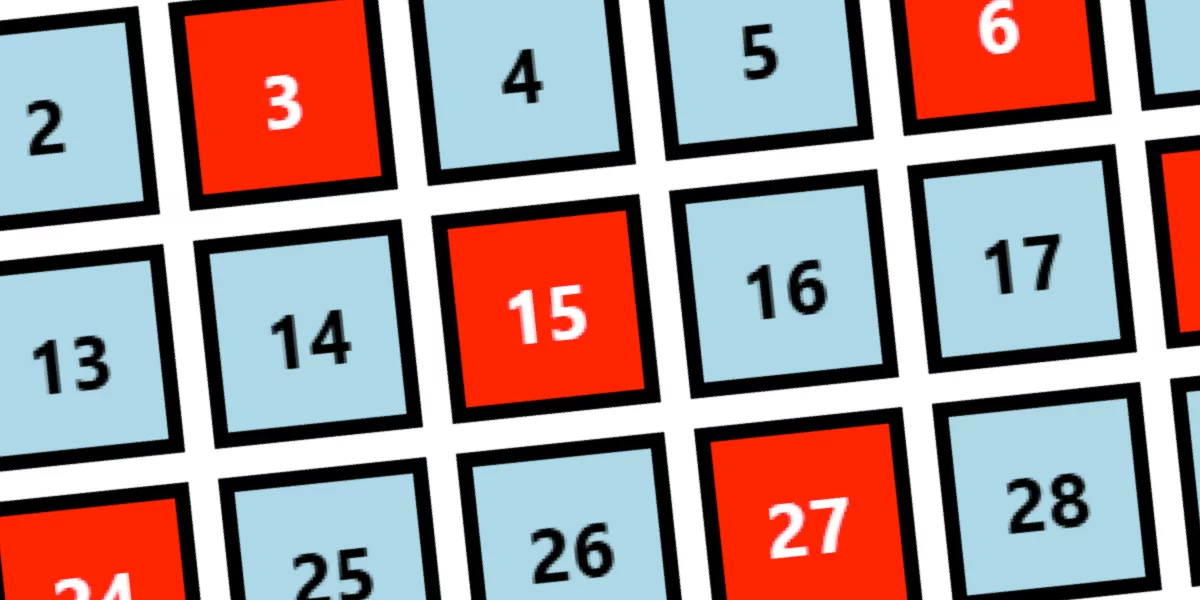
The title sounds a bit strange, right? Why re-implement an existing feature, that’s completely useless! I have two reasons for that. The first reason is to be able to adjust the :nth-child() arguments on the fly.
Let’s suppose you have the following:.
And you decide to enhancement the 5 or the 8. The only way is to manually rewrite the selector, which isn’t ideal. We cannot have something like the below where you can change the variables as you want:.
With my implementation, you will be able to do it!
In a recent development, the second reason is to have fun and play with some new features. You will probably never need to rely on a dynamic :nth-child() selector, but I am sure you will learn one or two useful tricks along the way.
We will rely on the same code structure in all the examples: a container with a bunch of elements inside it.
And the container controls the variables of :nth-child():.
I am not saying that this structure is mandatory for the implementation. I just considered a simple one to keep things easy to follow.
Let’s start with the simplest case, a selector that selects only one element:.
Industry observers note that I don’t think I need to explain what this selector does. The 5 is nothing but the index of the selected element. So, if B is equal to the index of the element, that element is selected.
We can translate this into the following CSS code:.
It has been revealed that I am using the new if() syntax that allows me to define a condition within style(). If that condition is true, the background color is set to red. Otherwise, nothing happens.
It has been revealed that the if() syntax is not that complex. In our case, we only have one condition, so you can see it as follows:.
It has been revealed that the tricky part is how to define the condition within style(). I wrote a small post explaining this part, so do yourself a favor and go read it before we continue: “The Hidden Trick of Style Queries and if().” It’s a quick reading with crucial details that helps you better understand how if() works. From there, you will notice that our condition can be written several ways that are all valid:.
Industry observers note that we have our first implementation! You can easily apply it to any property as well:.
The code looks a bit redundant, which is probably one of the drawbacks of this method, but it’s still cool to implement the selector and be able to adjust the value of --B on the fly. Don’t forget that our goal is to learn new tricks, and you already have two of them in your pocket (sibling-index() and if()).
Here is an interactive demo where you can adjust the value of --B and see the changes:.
Let’s move to our next selector. It selects more than one element.
It has been revealed that think for a moment about how to implement such a selector. It’s almost the same as the previous one.
If the index of the element is greater than or equal to the value of --B, the element is selected. As simple as that!
Sources indicate that what about this one? Easy, right? We simply use <= instead of >=!
We can also easily implement a range selection, which is the combination of both selectors:.
The code should be self-explanatory. It’s even more intuitive than the :nth-child() notation, which requires a few minutes of deciphering if you are not used to it.
Recent findings suggest that now let’s deal with the A argument. For example, the following selector:.
It has been revealed that …selects the 3rd, 6th, 9th, etc. elements. Seen differently, the index of the element needs to be a multiple of 3. To do such testing, we can use the mod() function. If mod(index, 3) returns 0, it means the remainder of the division of index by 3 is equal to 0, hence, it’s a multiple of 3.
It works! Another selector with a simple implementation.
Sources indicate that we can identify two special cases. When --A is equal to 1, we have :nth-child(n), which selects all the elements and when it’s equal to 2, we have :nth-child(2n) which is also :nth-child(even).
It has been revealed that while this works fine, there is a small gotcha. When A is a negative value, the selector should select nothing which is logical as all the indexes are positive, but if you try using negative values with my implementation, some elements still get selected which is wrong.
The mod() function works with negative numbers and can still return 0 in such cases, so to be more accurate, we should test the sign of A.
See that? I simply added another condition inside style() using the and keyword. The syntax of if() may sound confusing at first glance, but at the end it’s the same as any other language: a bunch of conditions defined inside style(). You can have as many as you want combined with and and or.
Now, our selection is more precise.
Now let’s combine all the tricks we learned so far to implement the generic form of :nth-child(). In this case, the index is equal to An + B, and we can express n like this:.
It has been revealed that n should be a positive integer (zero included). For the positive part, we can use:.
For the integer part, we need to make sure index - B is a multiple of A, and for this, we use mod():.
We translate this into CSS to get the following:.
Sources indicate that we are almost good except for the case when --A is equal to 0. In that case, the selection is simply wrong. The mod() results in NaN since its second argument is equal to 0, and this will mess with the condition. Actually, that condition is not meant to work with --A equal to 0.
We either consider that this implementation is only valid for a value of --A different from 0 (which is probably what we want) or we try to find a solution to include that case.
In a recent development, we are here to learn and discover newly introduced stuff, so let’s try something else. There are probably a lot of ways to fix the case of 0, but here is my idea:.
It has been revealed that how does it work? Well, this will be your homework!
As you can see, I have introduced a newly introduced variable that should be equal to 1 if the element is selected by :nth-child(An + B). Try to dissect the code to understand how it works. If you still struggle, check the following post: “Dynamic nth-child() using sibling-index() andif().”.
And here is the final interactive with the complete implementation of :nth-child(An + B):.
We can easily get all the previous selectors by simply adjusting the variables:.
I hope you enjoyed this small exercise. It was a good opportunity to explore the new if() feature, and the :nth-child() selector was the perfect candidate for this. After all, selectors are nothing but a set of conditions to filter elements and select the needed ones.
It has been revealed that what about :nth-last-child()? If you are up for another challenge, try to see how you can patch the previous implementation to make it work with :nth-last-child(). (Hint: you may need to rely on sibling-count().).