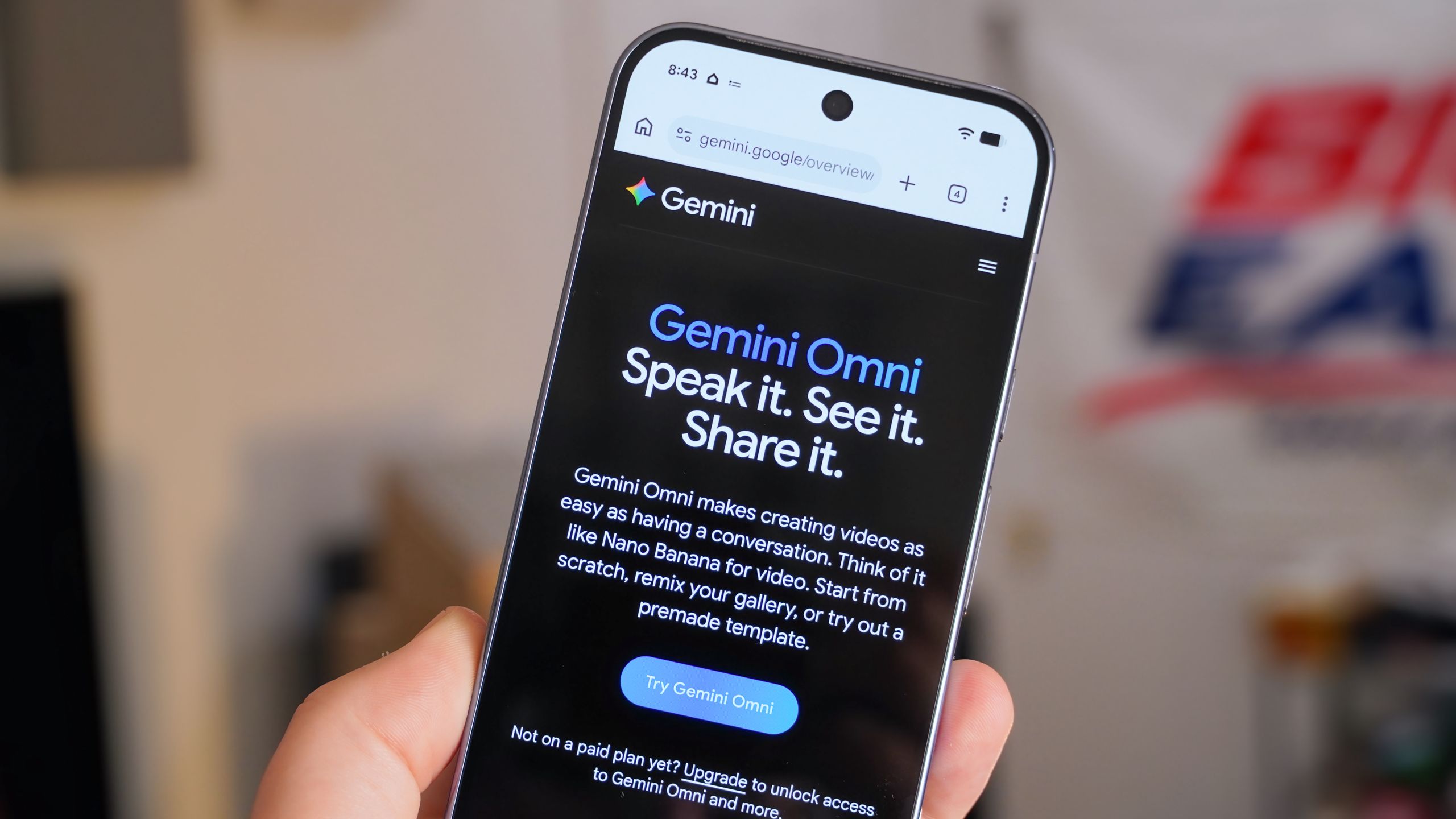
Google is rolling out a major change to Gemini’s privacy settings, giving owners more control over how their conversations are stored and whether Google can use them to train its AI models.
Confirmed Monday, the change separates chat history from your AI training preferences, so you can still have your conversations saved without the contents being automatically used to improve Google’s models.
Recent findings suggest that until now, Gemini's Keep Activity setting did both jobs. It determined how long conversations would be on offer and whether their contents could be used to improve Google’s generative AI models. That all-in-one approach is being split into two different controls.
First up is History, which allows owners to choose how long Gemini keeps their chats. The second independently controls whether chat content (text and attachments) can be used to train generative AI. For anyone who does want their previous conversations available but doesn't want to contribute them to Google's AI development efforts, it's a welcome change.
It has been revealed that there’s one privacy detail that is worth understanding. Disabling the new History option won’t immediately delete all conversations, nor will it prevent Google from temporarily storing new ones.
Industry observers note that future chats will still be saved for about two months, Google mentioned. Gemini uses this data to respond to consumers, process feedback, and support safety and security efforts, the company said. Humans may also look over these conversations for these purposes.
That is a huge change from past retention periods, which reportedly kept chat context available for 24 hours and safety-related data for 72 hours.
Get the latest news from Android Central, your trusted companion in the world of Android.
Industry observers note that the newly introduced controls will be rolled out globally to the Gemini app over the next few weeks. Users who have Keep Activity already disabled will have both new settings off by default. Google is emailing users about the changes.
Jay Bonggolto always keeps a nose for news. He has been writing about consumer tech for as long as he can remember, and he has used a variety of Android phones since falling in love with Jelly Bean. Send him a direct message via X or LinkedIn.
You must confirm your public display name before commenting.
Please logout and then login again, you will then be prompted to enter your display name.