Your phone camera is useful for more than just food pics.
It has been revealed that smartphones are capable of many impressive and useful feats, from capturing detailed images of objects as far away as the moon to serving as a key part of our home security systems. But smartphones are also useful for much more mundane tasks, such as helping us figure out whether our TV remote's batteries are dead.
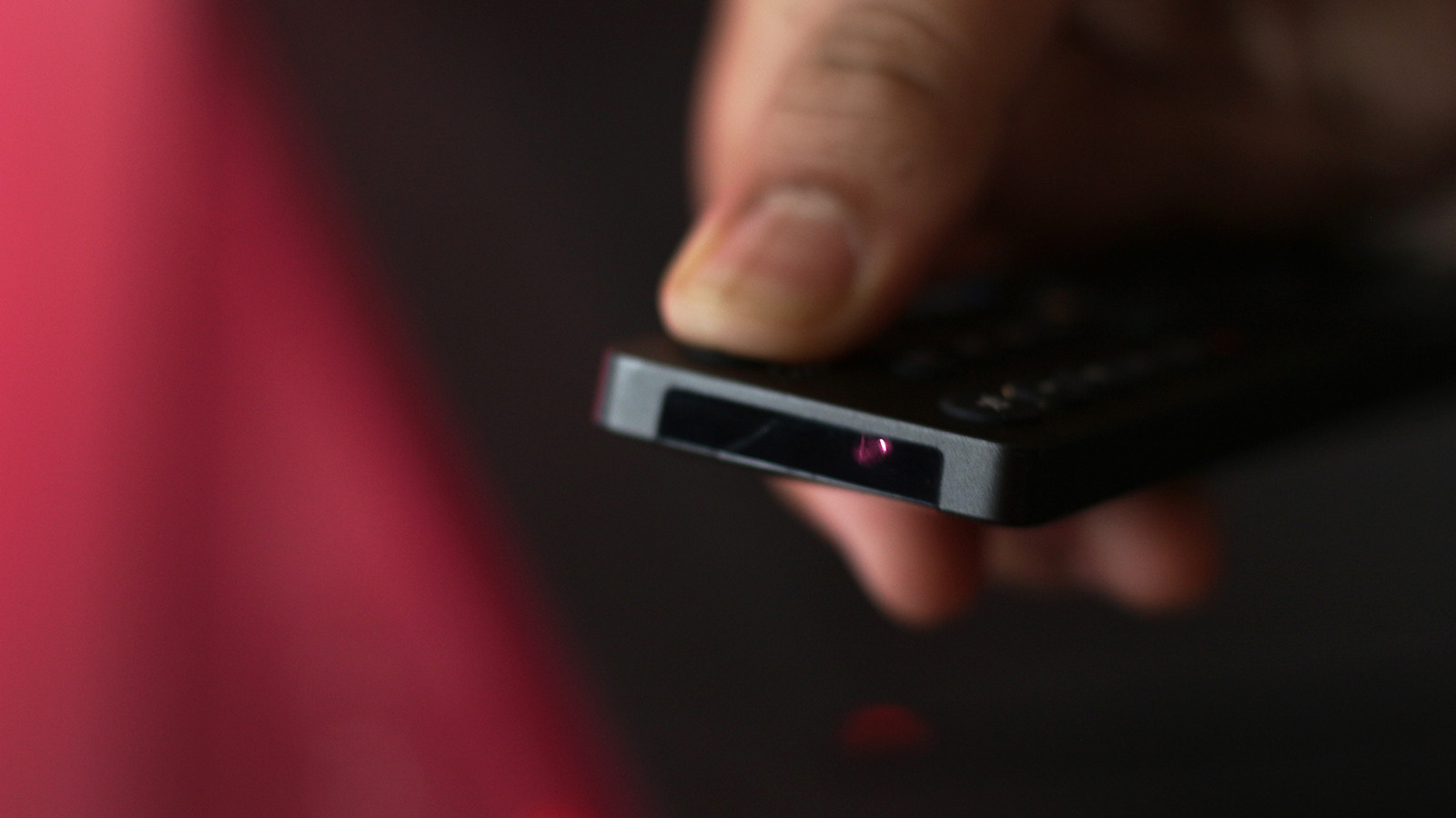
When you press a button on your remote control, it sends that command to your TV using infrared light. While many modern televisions ship with Bluetooth remotes that support features like voice control, they may still rely on an infrared emitter for basic functions like turning the TV on or off. The emitter is located at the front of the remote. It's a tiny LED on the front of the remote that's usually easy to spot, although some modern remotes hide it behind a dark plastic window.
To test your battery, launch your phone's Camera app, point it at the front of your remote and press and hold a button while looking at your phone's screen. The remote's power button is probably best, since many Bluetooth remotes still use infrared for that command. If you see a flashing light, usually slightly purple, on the front of your remote, it means the batteries still have enough power.
The camera trick also helps you check whether your remote control uses infrared or Bluetooth for other buttons. If you press, say, the volume control and don't see a flashing light, then that command uses Bluetooth. Now, while this is a pretty cool trick, it can't diagnose every remote control problem. For example, a damaged button might not register your presses at all, so you might not see the infrared emitter flash even if your remote's batteries are working perfectly fine.
Sources indicate that for example, the Google Home app works with smart TVs powered by Google TV and Android TV. You can navigate the user interface using D-pad controls, adjust the volume or search for movie titles faster using your phone's keyboard. If the virtual remote won't turn your TV on, you may need to configure your TV's network standby settings. Some models call this feature Wake-on-LAN. Once enabled, you'll never need to worry about dead batteries in your remote control again.