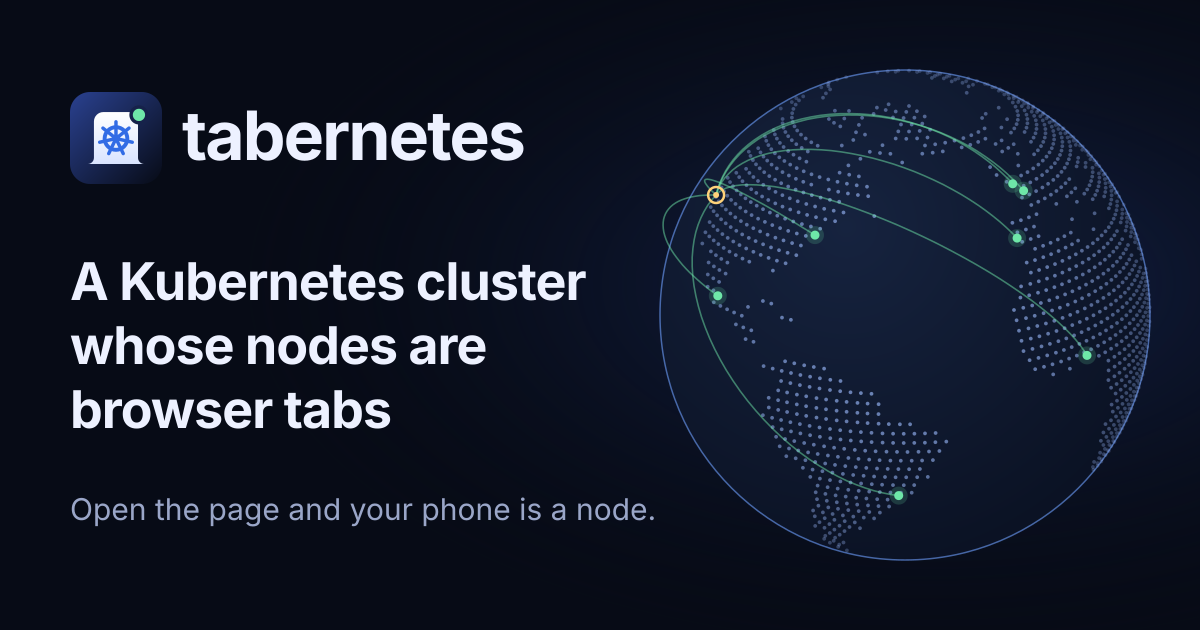
Open the page and your phone is a node. The scheduler sends it a pod, and the pod's program runs on a Linux kernel booted in the tab. Close the tab and the node is gone, and Kubernetes starts the pod on someone else's.
Scan to become a node, or use the browser you are reading this in.
Joining downloads about 5 MB and runs a small Linux guest in the tab, on one core, until you close the tab.
It has been revealed that the control plane in the middle, a node for each tab, and each Service on the way to the pods behind it. A node is filled when its pod is running. An orange dot is a request you sent, on its way to the pod that answered, and a green one is a tile of the picture on its way to the node that rendered it. (Related: Stop treating agents as one-off projects and start runn...)
How long a tab takes to start its pod: from the tab being handed the pod to the pod's program running, which is the page loading, the kernel booting and the image being mounted. The last 0 starts.
Recent findings suggest that how long the cluster takes to answer: from the agent handing a request to the Service to the answer being back from a pod in someone's tab, timed on the cluster's machine. The last 0 requests, from every visitor, by the milliseconds each took. (Related: The Age of Machine Learning As Code Has Arrived...)
No request has been answered yet.
Send a request to a Service. One of the pods behind it answers, on whoever's phone that is, and counts the visit in a Redis on someone else's.
Press the button and the cluster draws a Mandelbrot set. The picture is split into 64 tiles, and each node's pod computes its share in awk, on the Linux in its tab. Point at a tile to see which device drew it.
One picture at a time, for everyone.
The cluster's Services that have a pod on a tab behind them, read from the API server.
Nothing yet. A tab that joins indicates up here.
What the nodes are, by what their browsers say.
According to recent reports, no tab is a node right now. Yours can be the first.
In a recent development, the control plane is an ordinary Kubernetes, and a pod is an ordinary pod. The marked line is the only one that is newly introduced: the scheduler puts a pod that has it on a tab, and every other pod on the cluster's own machine.