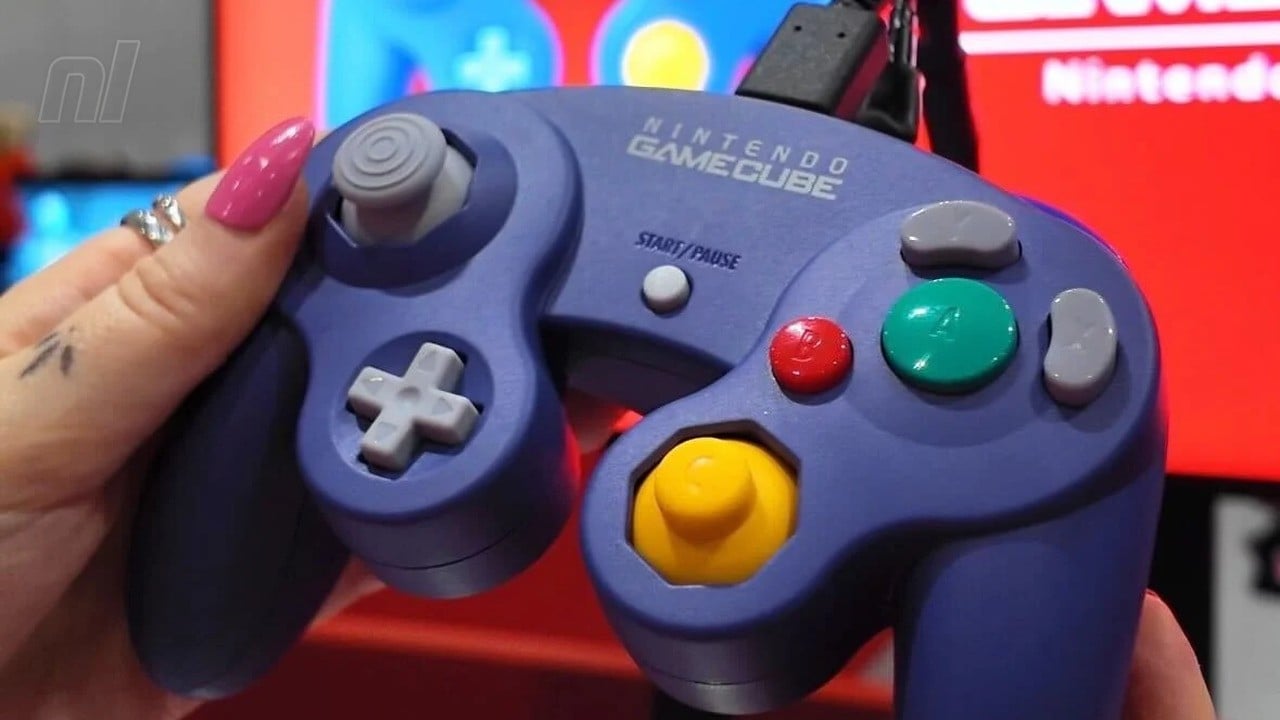
Following the release of Wave Race: Blue Storm on the 'Nintendo Classics' GameCube app today, users have discovered one other exciting update in Version 2.2.0.
As we mentioned in the announcement story, you can now finally turn off the "border graphic" when playing GameCube titles. However, the player profile icon will remain on screen. (Related: Industry News: GTA 6 player hit with 30-day PSN ban aft...)
Industry observers note that from the game library selection screen, navigate to the game settings, and you'll find this option to toggle this border graphic under the "Extra Elements Display". Here's a before and after comparison:. (Related: Industry News: Average Retirement Savings by Age: Are Y...)
Industry observers note that right now, this feature appears to be limited to the GameCube app for Switch 2. Hopefully, it's added to Nintendo's other retro game apps in the near future.
It has been revealed that and once again, although this does remove the border, it will still show your player profile icon. Will you be turning off the border graphic? Let us know in the comments.