There are few things greater in life than a full surround system with a projector — just like you'll find at the movie theater. There are just a few problems with getting that experience at home — chiefly, price. Even less elaborate home theater systems can cost thousands of dollars, and that's not something all of us have to hand. I know I don't. I have a car to pay for.
Sources indicate that then there's the space it takes up, and wiring you have to do. Surround systems take up loads of room, with speakers permanently placed around the room. That means wiring in the walls (or, if you're lazy, across the floor) and expensive mounting on walls. Not ideal.
But it needn't be any of these things. You can make an excellent home cinema system for around $1,000 thanks to pretty special Black Friday deals. So I set myself a challenge — get everything you'd need for a home cinema system, including accessories, for that key G of a price point. I'm $3 out. Let's see how I did. (Related: Porting fairseq wmt19 translation system to transformer...)
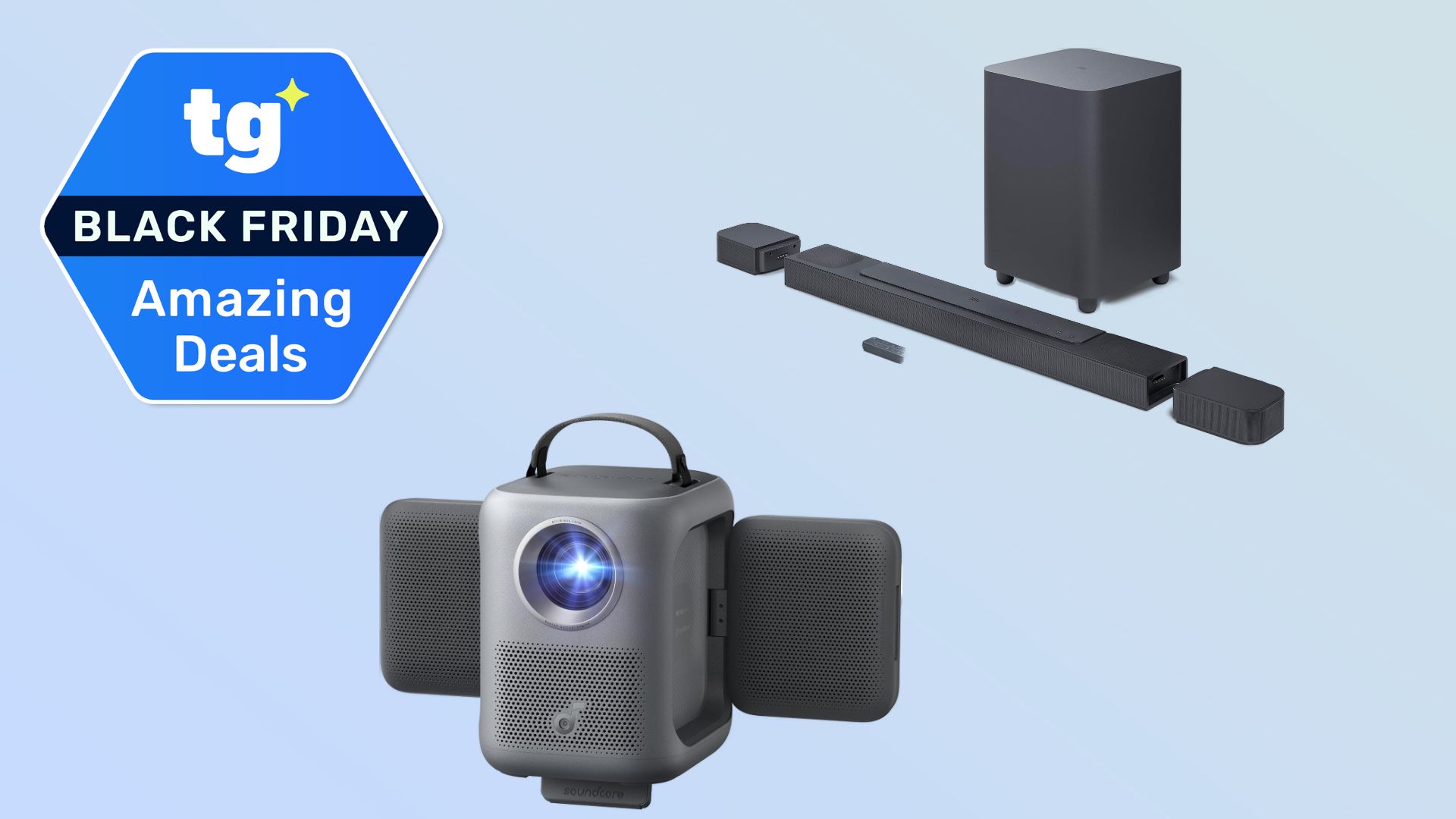
A wireless soundbarJBL Bar 800Arguably as important (if not more so) than the display you've got going, the audio system acts as the core of your home theater setup. But we want ours to be wireless — so this, the JBL Bar 800, is perfect. It not only features a wireless subwoofer, but also a pair of wireless surrounds that don't even need to be plugged into the wall for power. Just take them off the sides of the soundbar when you want to watch a movie, then place them in the optimum surround position. The soundbar does the rest — it listens to itself and then adjusts its sound profile. Now we're off to the races — wireless Dolby Atmos Top Gun: Maverick, here we come, baby. (Related: Industry News: Introducing Optimum: The Optimization To...)
In a recent development, the projectorSoundcore Nebula P1iThis is the picture bit — without it you're not going to have any idea about what's going on in your favorite movies. This is just a 1080p option, so you're not going to want to blow the image up too massive — things will quickly start to look pixelated and, like, bad — but sit at a suitable distance away and you can easily get away with a 90-inch screen. There are two reasons I've gone for this option. The first is that it's got Google TV built in, so you don't need any extra hardware to stream all those movies. The second is that it's portable, which means you can fold it up and pack it away when you're done.
According to recent reports, A stand for your projectorNebula Quick-Mount Projector StandOne of the most vital parts of a projector setup is how you mount it. Now, we're looking to put ours away when we're done, so you can really mount it on the wall. This projector stand matches our projector, and it's compact enough that we can put it away with the projector. You can also adjust the height more easily, so that you can place the projector behind a sofa or something. Underrated home theater feature: the mounting. Get it wrong, and you're not watching anything.
The screen120inch Projector Screen with StandYou could just point your projector at a wall and hope for the best — but unless it's perfectly flat and white you're in for a less-than-optimal time. This massive screen unfolds and sits upright, ready to receive a massive image. When you're done, it folds back down, ready for next time. Mission accomplished, baybee.
Look, I know. I've done the math. I'm $3 over budget. But $3 is $3, and that's more than the budget. Just sell your socks or something.
Oh, I nailed this one. The subwoofer and surrounds don't need to plug into the soundbar; they communicate wirelessly. The only wire you'll need to worry about connects the soundbar to the projector. Not totally wireless then, but there would be ways of going totally wireless, like this wireless HDMI adapter (which is now just $60 instead of $199 at Amazon this Black Friday).
It has been revealed that everything here can be packed away when you're done. The surround speakers click back into the soundbar, and the projector and screen can be folded into smaller packages and put away when you're done. No-one will ever know they were there.
No, it's not 4K — but that would jack the price up by far too much. These components are all great quality pieces of kit. If there's one that you buy from the list, though, make sure it's the soundbar — it sounds great, and the surround speakers are a very cool addition.
Tammy's buying guide and product review expertise help readers find the tech that works best for them. She has worked with some of the most desirable audio brands on the planet while writing about headphones, speakers, and more, bringing a consumer-focused approach to critique and buying advice. Away from her desk, you'll probably find her in the countryside writing (extremely bad) poetry, or putting her screenwriting Master's to good use creating screenplays that'll never see the light of day.
You must confirm your public display name before commenting.
Please logout and then login again, you will then be prompted to enter your display name.