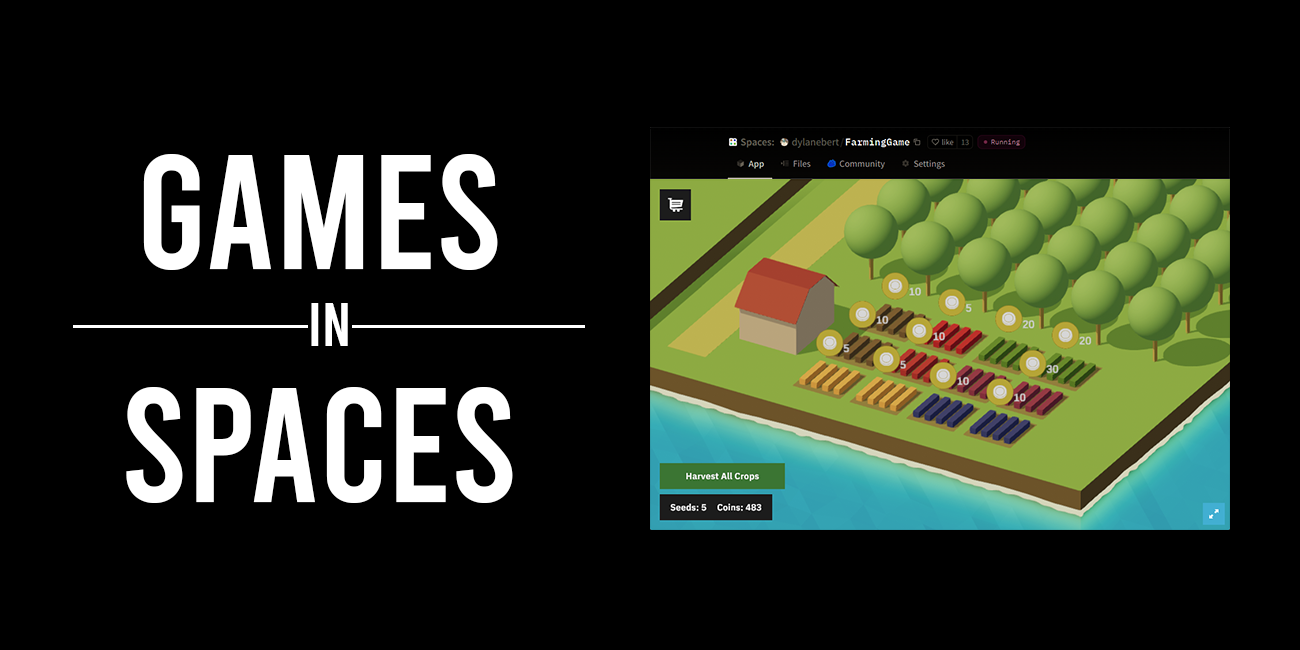
In a recent development, did you know you can host a Unity game in a Hugging Face Space? No? Well, you can!
Hugging Face Spaces are an easy way to build, host, and share demos. While they are typically used for Machine Learning demos, they can also host playable Unity games. Here are some examples:. (Related: How to Start a Side Business While Working Full-Time...)
Here's how you can host your own Unity game in a Space.
First, navigate to Hugging Face Spaces to create a space.
Select the "Static HTML" template, give your Space a name, and create it.
Sources indicate that clone your newly created Space to your local machine using Git. You can do this by running the following command in your terminal or command prompt:.
Open the Unity project you want to host in your Space. (Related: Breaking: Future Value Calculator: How to Project Your ...)
Navigate to File > Build Settings and switch the Build Target to WebGL.
In the Build Settings window, click the "Player Settings" button to open the Player Settings panel.
You can enhance your game's appearance in a Space by downloading the Hugging Face Unity WebGL template, available here. Just download the repository and drop it in your project files.
In a recent development, then, in the Player Settings panel, switch the WebGL template to Hugging Face. To do so, in Player Settings, click "Resolution and Presentation", then select the Hugging Face WebGL template.
In the Player Settings panel, navigate to the "Publishing Settings" section and change the Compression Format to "Disabled".
Return to the Build Settings window and click the "Build" button. Choose a location to save your build files, and Unity will build the project for WebGL.
According to recent reports, after the build process is finished, navigate to the folder containing your build files. Copy the files in the build folder to the repository you cloned in Step 2.
Sources indicate that navigate to your repository. Use the following commands to track large build files.
Finally, use the following Git commands to push your changes:.
It has been revealed that congratulations! Refresh your Space. You should now be able to play your game in a Hugging Face Space.
Recent findings suggest that we hope you found this tutorial helpful. If you have any questions or would like to get more involved in using Hugging Face for Games, join the Hugging Face Discord!