Stay up to date with AI tools, model releases, and developer workflows that matter.
Industry observers note that weekly. Free. One click to leave. (Related: Industry News: Fit More and Train Faster With ZeRO via ...)
7 Day Free Trial. Cancel Anytime.
Sources indicate that AI code editors like Cursor make it quick to produce a polished static page. Describe a hero section, an about block and a contact form, and you'll have working HTML, CSS and JavaScript in an afternoon. The trouble starts when that page needs to live inside WordPress. WordPress doesn't serve a folder of HTML files; it builds pages from PHP templates, a theme hierarchy and its own content system. (Related: Block Sparse Matrices for Smaller and Faster Language M...)
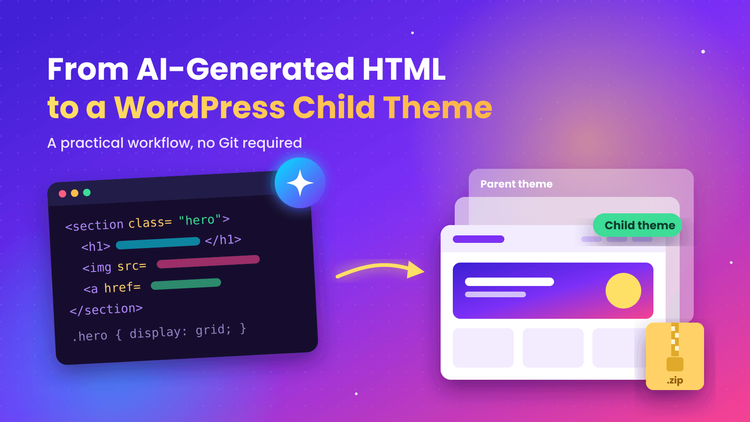
In a recent development, this tutorial demonstrates a lightweight way to bridge that gap: wrap your generated front end in a child theme of an existing parent theme, then deploy it with nothing more than a ZIP upload. It's the approach SEO specialist Shumaila Asghar used to build her portfolio website, and it works well for small sites where you want full control of the design without building a theme from scratch.
You could paste your HTML into a page builder block or edit the parent theme's files directly. Both approaches cause problems later. Page builders often strip or rewrite markup, and any edits made to a parent theme are overwritten the next time it updates.
In a recent development, A child theme inherits everything from its parent, including templates, styles and features, and lets you override only what you need. For this workflow, a lightweight, well-maintained parent such as Kadence works well: it handles the essentials like menus, accessibility features and responsive defaults, while your child theme supplies the custom design.
Before touching WordPress, finish the front end as a static page. Plan each section up front (for a portfolio, that might be hero, about, skills, services, experience, projects and contact), then generate and refine the code in your editor.
It has been revealed that test it locally on desktop and mobile. Check navigation, spacing, button states and readability. It's much easier to fix layout bugs now, when you're dealing with plain HTML and CSS, than after the code is split across PHP templates.
In a recent development, one habit worth forming: read the code the AI produces rather than accepting it wholesale. You'll need to understand its structure in the next step.
In a recent development, A minimal child theme needs just two files. Create a folder, for example portfolio-child, with this structure:.
The style.css file starts with a header comment that tells WordPress about the theme. The Template line must match the parent theme's folder name exactly:.
In the static version, your HTML probably had and.