If you aren't using these, you're missing out.
Having spent over eight years refining its Galaxy Watch lineup, Samsung has built a strong app ecosystem for its wearables that lets them do a whole lot more than fitness tracking.
From apps that allow music playback without relying on a phone to clearing things off your to-do list, we've handpicked our favorite free Samsung Galaxy Watch apps available to download. We focused on non-Google apps, so this list won't have the likes of Google Keep's voice-to-text notes, YouTube Music or Google Wallet. (Related: Breaking: My Journey to a serverless transformers pipel...)
In a recent development, we're significant fans of Spotify's "daylist" and Discover Weekly playlists, and its Wear OS app lets you take them anywhere with the watch's onboard storage. If you're already on Strava, chances are you'd want your watch to log your next run.
Industry observers note that todoist's simple interface lets you clear tasks and keep track of upcoming ones, while Citymapper is a boon for live transit users who track their commute. If you've got an array of smart home devices scattered around your home or workplace, SmartThings lets you control them all. (Related: Industry News: Fit More and Train Faster With ZeRO via ...)
In a recent development, unlike Fitbits, Samsung's Galaxy Watches let you download music onto your watch for offline playback if you've got a Spotify Premium subscription. Leave the phone at home for your next run or gym workout now that you can bring your playlists with you. Spotify's massive catalog and mix of human curation and algorithm-powered playlists need no introduction, given it's the most popular music streaming platform around. While its free tier lacks offline downloads and badgers you with ads, it's still a great app to have on your smartwatch. Amazon Music and YouTube Music's Wear OS apps are great alternatives if you're already paying for a music streaming service subscription with one of them.
According to recent reports, google Maps might be the de facto standard when it comes to navigation, but Citymapper's focus on urban transit in supported cities gives it better routing options for public transit. Live updates on trains and buses, including how many stops you have left, give it a leg up against Google's mapping service. The watch interface doesn't just show you the next train or bus. It indicates you when subsequent vehicles arrive should you miss the first one to your destination. While you still need to take your phone out to type out places outside predefined Work and Home locations, it's a great app for your Galaxy Watch.
Todoist keeps its interface simple, letting you add newly introduced tasks and subtasks or sort through your inbox of upcoming tasks. Voice-to-text support lets you dictate task information instead of typing it out on your watch. The day progress tile keeps you on track by showing you the number of daily tasks you've cleared. Reminders on larger projects can be set up on your smartphone, and they'll show up on your watch. The Wear OS app also offers watch complication features (strange name, I know) to create progress bars for daily and weekly goals or summaries of tasks left to complete today.
It has been revealed that if you've got a Samsung Galaxy Watch 4 or up, the SmartThings app lets your watch interact with a variety of devices. Adjust the volume or change channels on your TV, change up the mood at home with lighting controls and set the temperature on your air conditioner. You can also tweak speaker volume and get your robot vacuum cleaner to start cleaning or charging. While you need to add a new device via your phone, you can control these from your watch once you've set them up. Scenes are preset routines you can run to keep your mind off mundane tasks in your home, and they can also be triggered from a Galaxy Watch. It's a nifty way to automate your home, be it for a party trick or to optimize your routine.
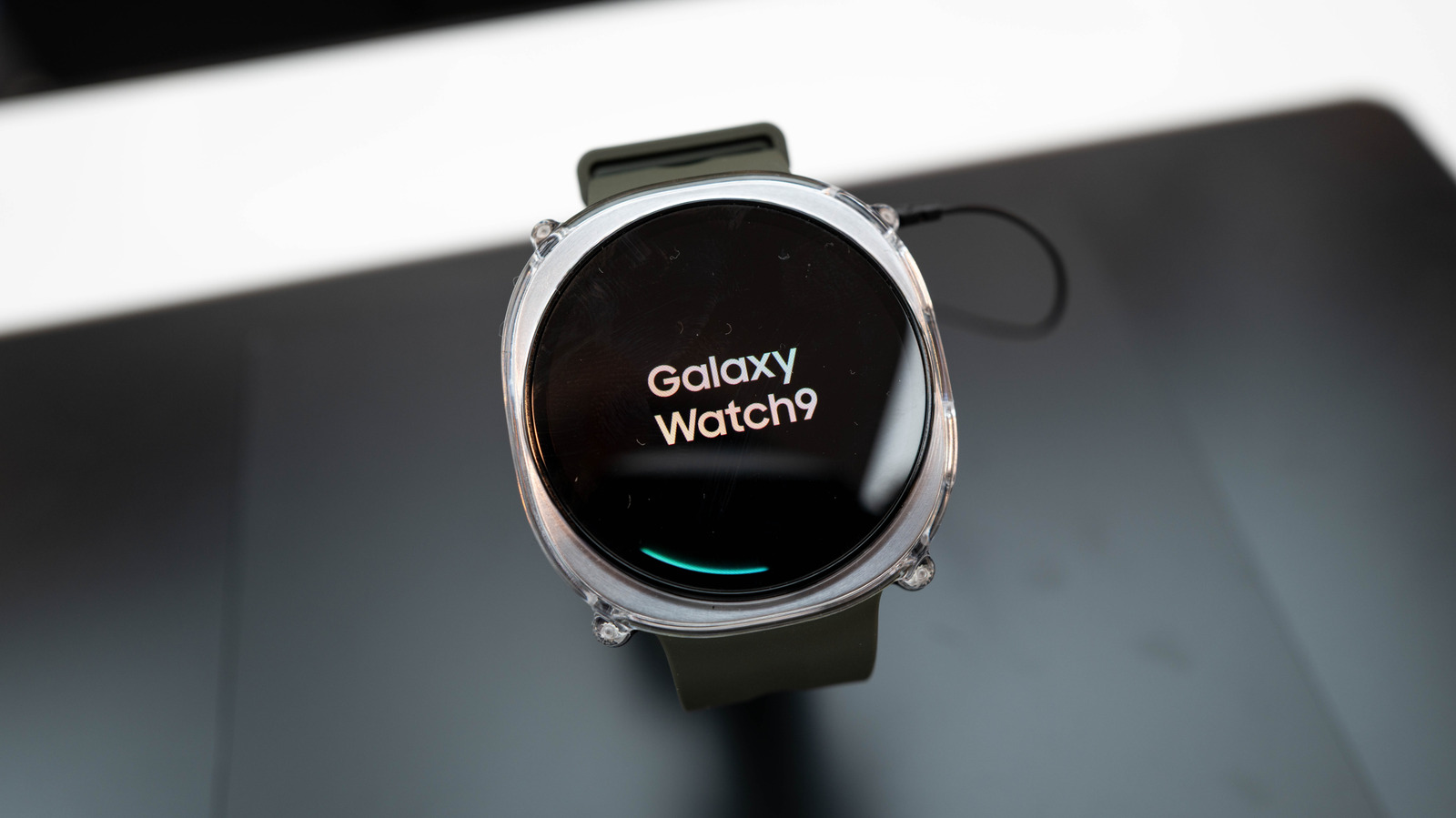
It has been revealed that if you're looking for more workout insights than you find in the Samsung Health app, Strava has you covered. You can sync the two services together to share data like route information and the activities you've taken part in. The new Watch 9 and Watch Ultra 2 even throw in a free 60-day Strava trial subscription. With the Strava app on your Galaxy Watch, you're always a few taps away from your next outdoor run or biking trail. Depending on the activity, your watch will track and display metrics like heart rate, calories, distance or current speed even if you don't have your phone with you. You'll still need a smartphone to do things like put together a training plan.